
Manual Loading / Unloading
Steps to load filament
|
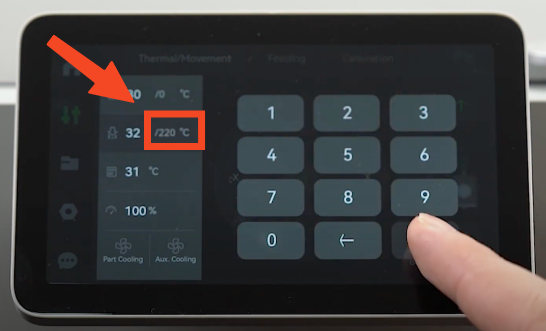 |
|
2. Wait for the hotend to reach the set temperature |
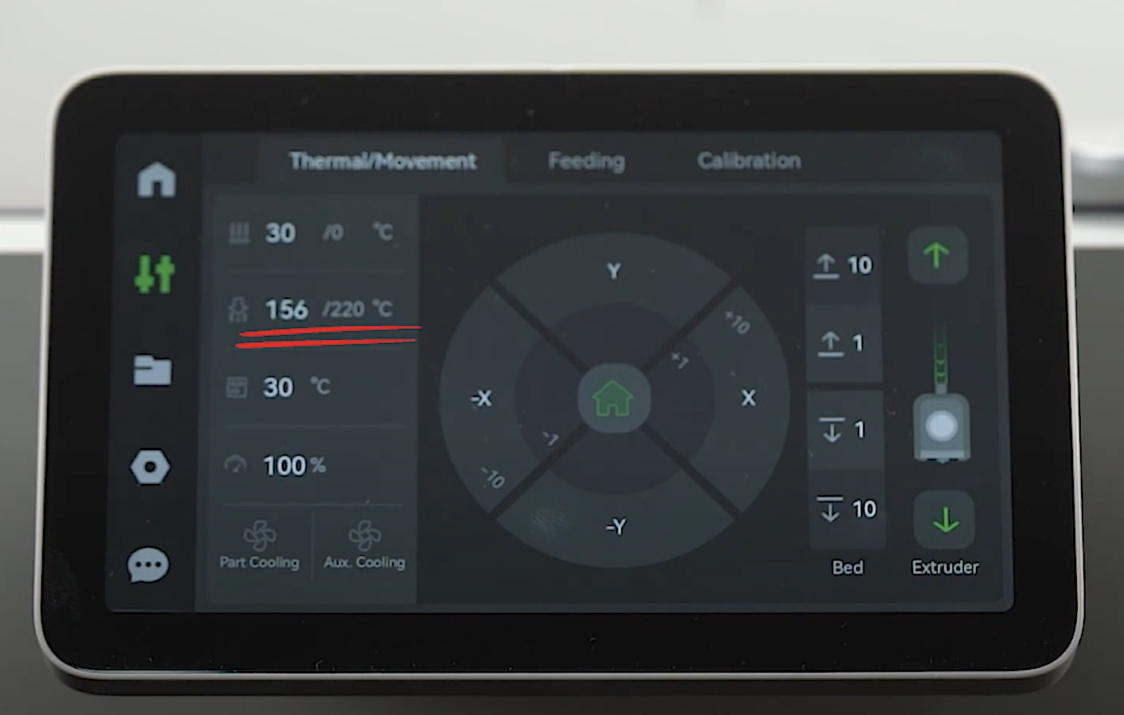 |
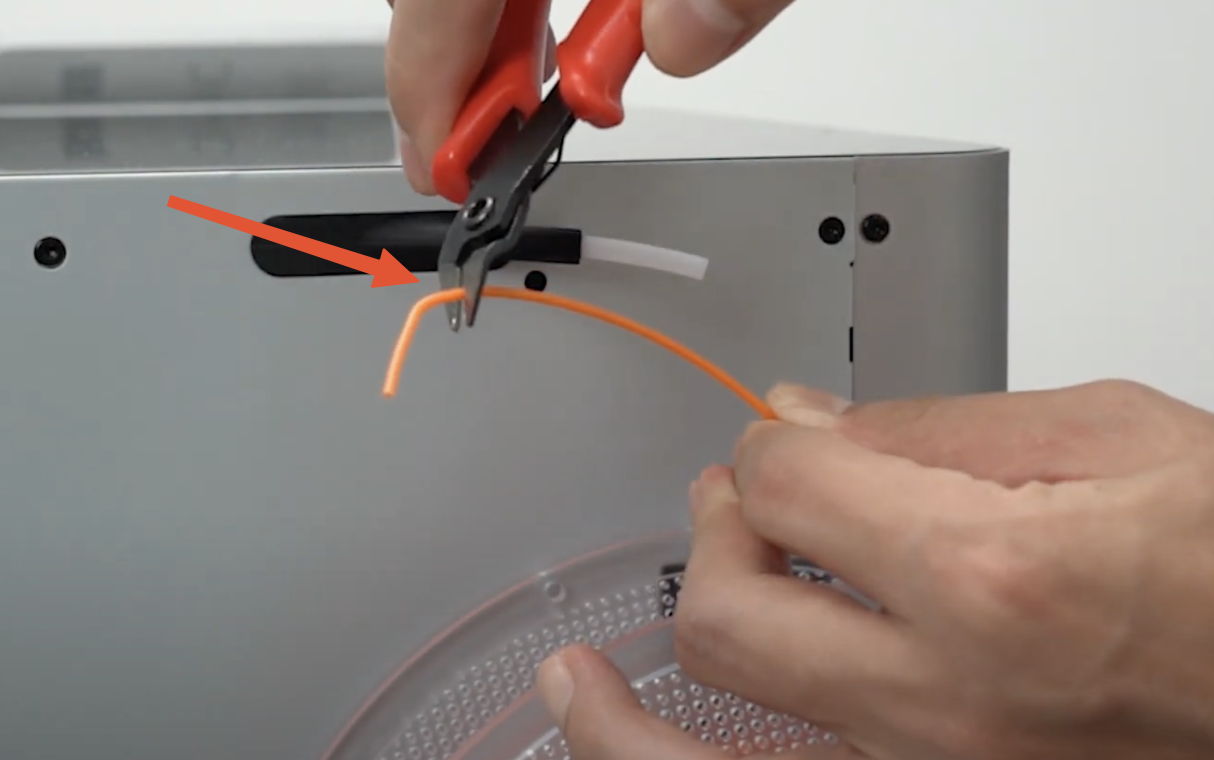
| 3. Attach the spool to the back spool holder and cut the filament to a 45-degree angle |
 |
| 4. Insert the filament into the back PTFE tube until it reaches the extruder |
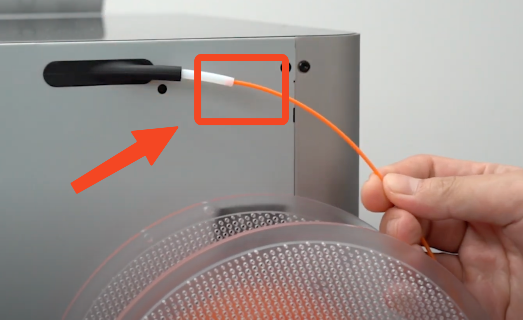 |
| 5. From the printer screen in the filament tab, click on the rear spool holder to highlight the spool, and click on “Load.” When the pop-up appears, manually push the filament. |
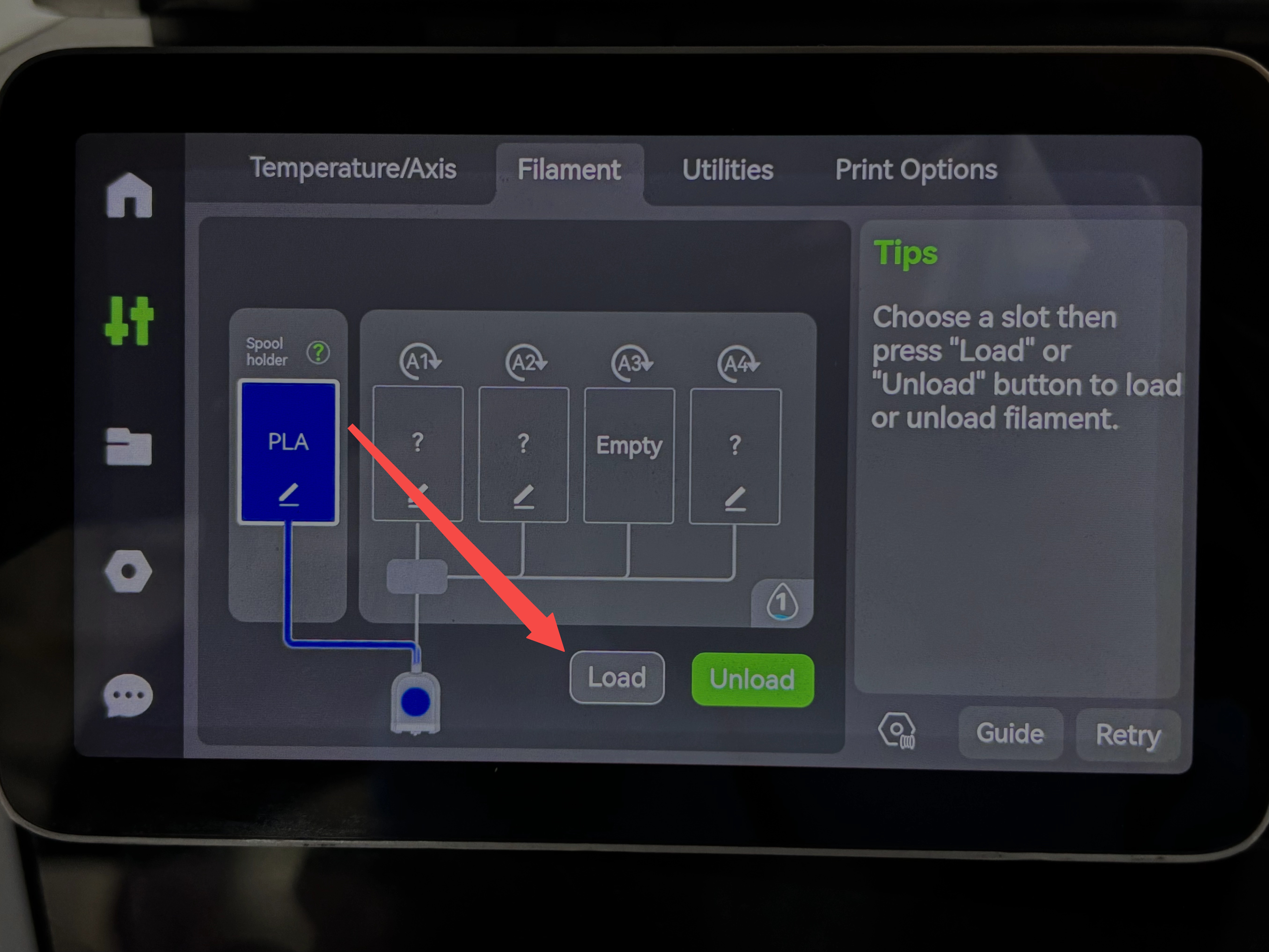 |
| 6. Repeat the extrude process until the old filament is purged out, and the new filament color is clear. |
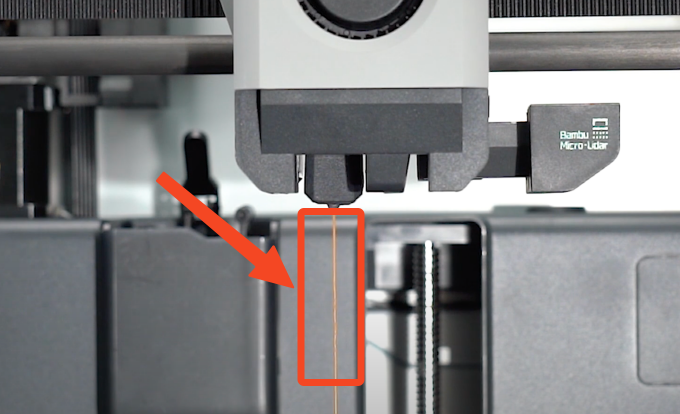 |